
Search by interest
Look through community descriptions, categories and tags to find a server that matches what you care about.
Discover and promote communities
Browse Discord communities by interest, or create a listing and give your server more ways to be discovered. From friendly URLs to QR codes and ready-to-share graphics, the tools live together in one place.
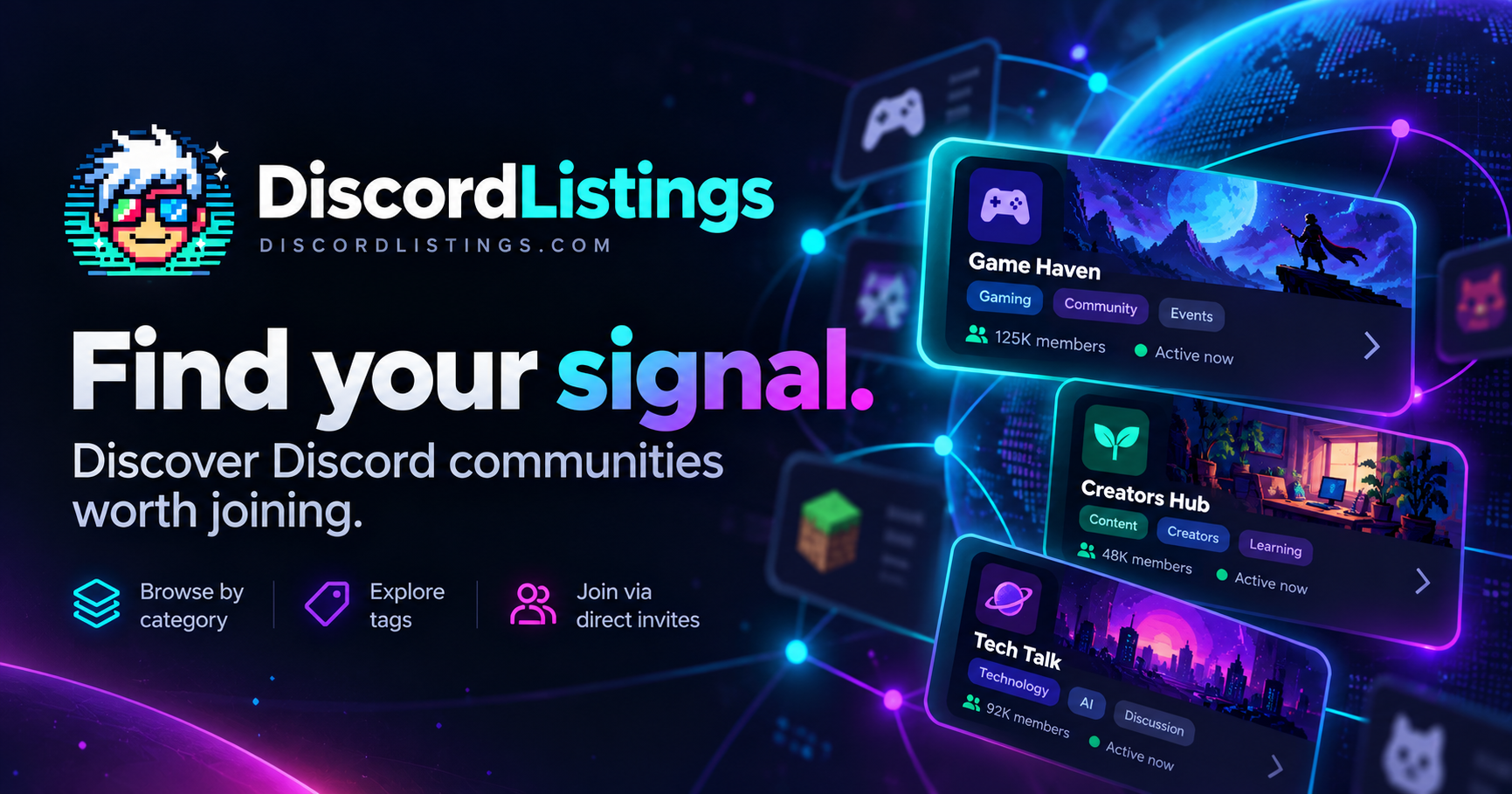 Made for community discovery
For people looking for a place to belong
Whether you're looking for gaming friends, creative projects, a niche interest, or somewhere to chat, discovery should be simple.
Look through community descriptions, categories and tags to find a server that matches what you care about.
Switch between recently bumped, top-voted and newest listings, instead of relying on one fixed ranking.
Read a server's public profile, check its tags and follow its Discord invitation when you're ready.
For Discord community owners
Give your community a home on DiscordListings, then use the owner dashboard to manage it and build materials worth sharing.
Choose an eligible Discord server, write your description, select categories and tags, and manage the listing from your dashboard.
Bring your active community higher in the recently bumped view, with a clear cooldown between bumps.
Get a readable server URL, customize your vanity address, and share a stable managed link even if your vanity URL changes.
Generate downloadable PNG or SVG QR codes for your community. Public QR sharing points visitors to your DiscordListings profile.
Create landscape and square PNGs, choose artwork you've already uploaded, add a headline, switch themes and optionally include a QR code.
Upload your own link-preview image or use an automatically generated branded card when someone shares your server page.
Promotion tools, already built in
Your promotional images can use your saved server banner, page background, icon or custom social artwork. Choose a layout, add a message, and export a graphic that links back to your community's listing.
Square and landscape PNG downloads
Cyber, minimal and bold visual themes
Optional QR code for your public listing
COMMUNITY SPOTLIGHT
Your community, your way.Create a shareable graphic using your own community artwork.
Illustrative preview · Actual graphics use your listing
A straightforward workflow
Sign in with Discord and select a community you're permitted to manage.
Add useful details and artwork, then manage the listing from your dashboard.
Download QR codes and branded graphics, copy your public URL and bump when available.
Ready when you are
List a server for free and start using the built-in promotion tools.